
xlflow for Visual Studio Code
The extension makes xlflow a first-class VBA development environment. It combines project operations with a VBA language server and delegates execution to the CLI. Think of it as the place to write and understand VBA, while Excel remains the place that opens and runs the workbook.
Start with a folder that contains xlflow.toml. When VS Code opens that folder, the extension knows which workbook belongs to the source files. Opening a lone .bas file is useful for reading code, but it cannot safely offer project actions such as pull, push, or sessions.
- completion, including
CreateObjectProgIDs and late-bound type inference; - hover, definitions, symbols, references, rename, and formatting;
- real-time lint and analyzer diagnostics with stable rule IDs;
- CodeLens for runnable procedures and tests;
- Testing view integration;
- project, module, UserForm, formula, pull, push, session, save, and recovery actions from the sidebar.
Start with Installation, then First project. A sensible first loop is: open a module → make a small edit → use diagnostics → run Push → run the procedure through CodeLens → inspect the resulting cell. The sidebar is intentionally split by intent; see Use the project sidebar before using a destructive action.
Existing screenshots and GIFs remain available in the extension repository; the Troubleshooting page explains how to diagnose missing capabilities.
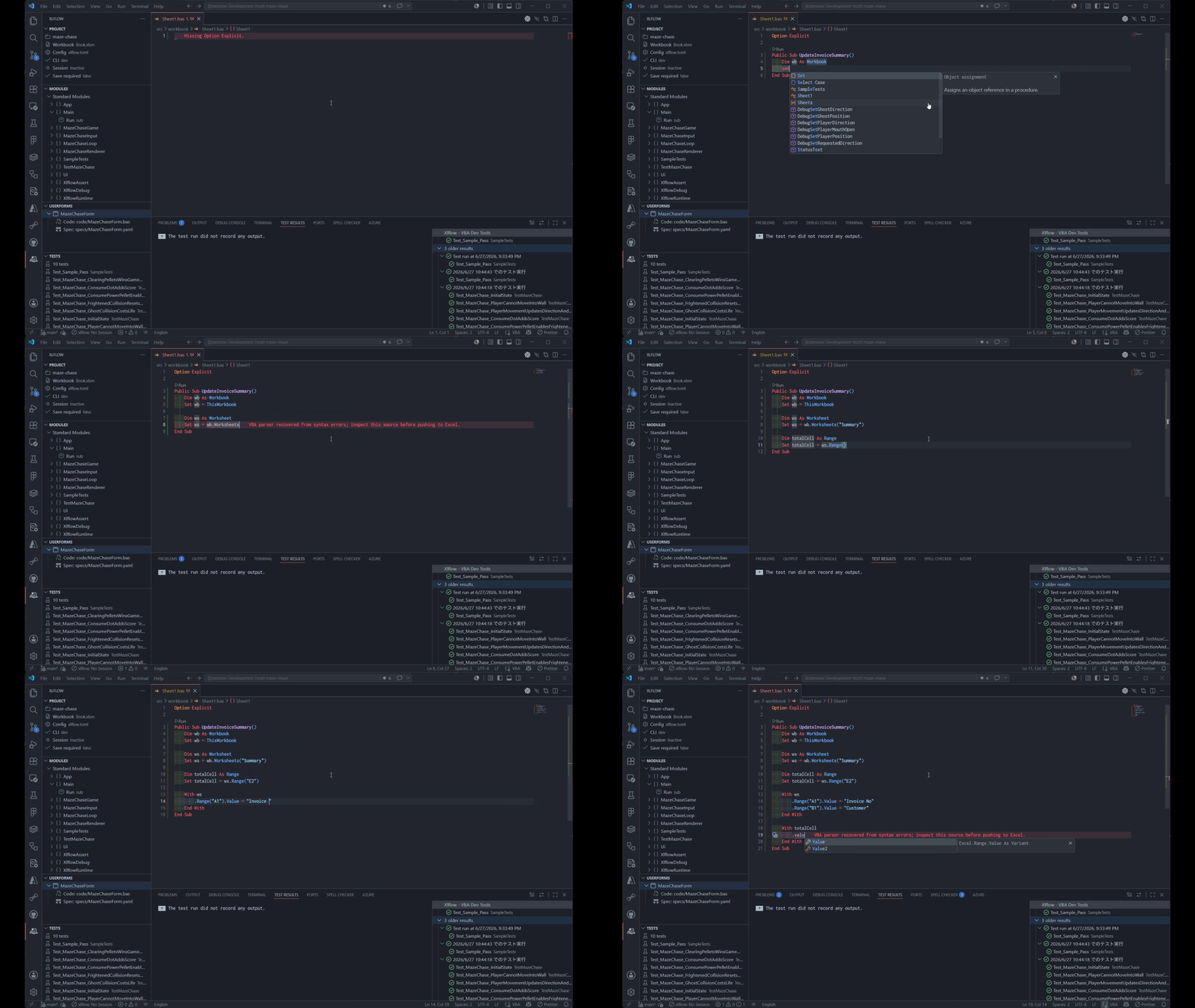
The existing diagnostic screenshot and LSP demo show completion, diagnostics, and navigation in context.